What Makes an Online Store Easy to Buy From?
Reduce uncertainty across product discovery, cart review, and checkout.
By XWeb Pros Editorial Team
November 1, 2026
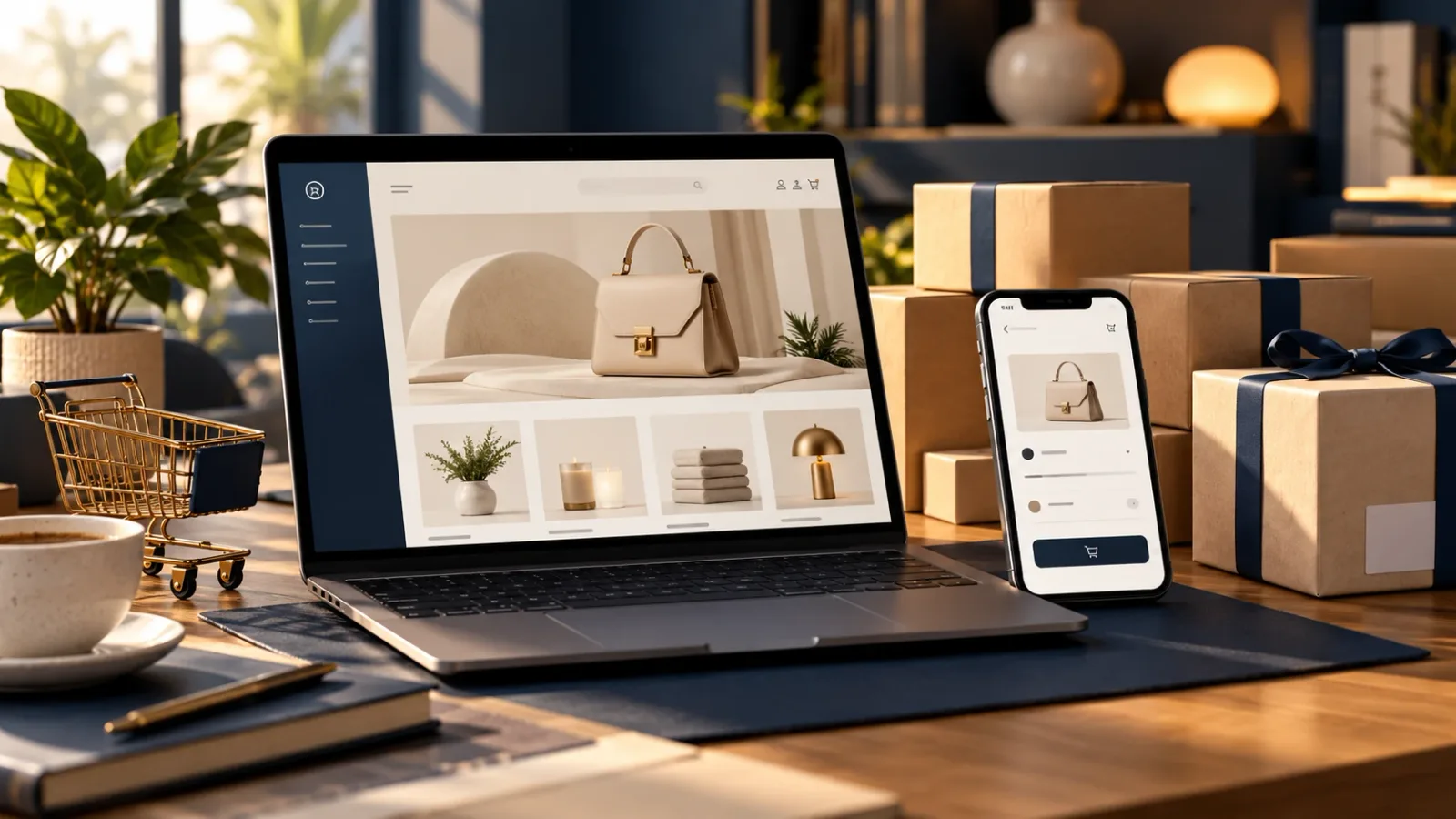
An easy-to-use store answers the questions that stand between interest and a purchase. Start with the product and follow the same path a new customer would take.
Help people choose
Use understandable categories, useful filters where needed, and photographs that show relevant details. Explain sizes, materials, compatibility, or other decision-making information in plain language.
Make availability and options clear before customers reach the cart. A product that appears purchasable but fails at checkout creates avoidable frustration.
Explain the commitment
Customers should understand price, delivery or pickup choices, and applicable policies before placing an order. Show additional charges as soon as they can reasonably be calculated.
A prominent purchase button cannot compensate for unclear shipping expectations or unanswered product questions.
Make completion dependable
Keep forms understandable and preserve entered information when an error occurs. Confirm the order only after the system has recorded the appropriate payment and order state.
Check the entire experience on a phone, including receipts and confirmation pages. Staff also need a dependable way to locate the order and fulfill it.
Improving a store is often about removing small uncertainties at several stages. Treat browsing, payment, communication, and fulfillment as one customer experience.
Want help applying this to your business? Book a Discovery Call with XWeb Pros.
Explore the related XWeb Pros service.
All insightsRelated insights
- EcommerceProduct Pages That Answer Questions Before Customers AskGive shoppers the specific product information they need to make a confident choice.Read
- EcommerceSelling Services Online: Deposits, Registrations, and Recurring PaymentsMatch online service payments to the way your business schedules and delivers work.Read
- Web DesignWebsite Redesign or Simple Update? How to Tell What Your Business NeedsDecide whether targeted changes or a broader rebuild will address your website’s real business needs.Read