
What Can an AI Chatbot Do for Your Business Website?
Use an AI chatbot for clear, bounded assistance that leads customers toward useful next steps.
By XWeb Pros Editorial Team
November 1, 2026
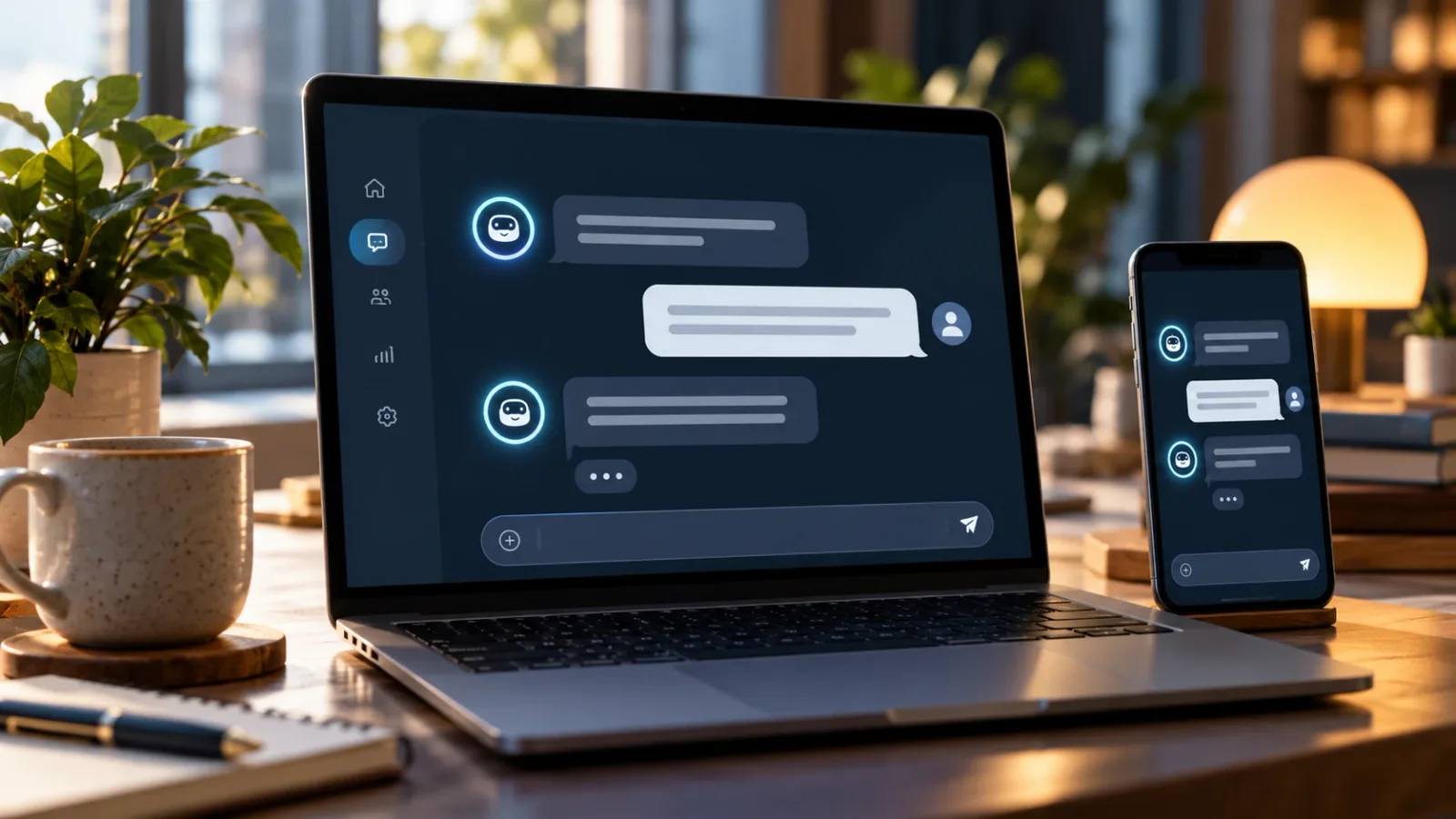
An AI chatbot can help website visitors get information while your team is busy. Its value depends on the quality of its information and the limits of its role.
Start with repeatable questions
Good starting topics include service descriptions, business hours, service areas, and the steps involved in requesting a consultation. These answers should come from maintained business information.
A chatbot can also ask a few relevant questions and guide the visitor toward a form, booking page, or human conversation. Keep the exchange short enough that it does not become another obstacle.
Set boundaries
AI-generated answers can be wrong. The assistant should acknowledge uncertainty and avoid inventing pricing, availability, policies, or guarantees. Account-specific questions need appropriate identity checks before private information is available.
Do not ask visitors to paste passwords, payment details, or sensitive records into an ordinary chat window.
Connect the conversation to service
Decide who receives requests for help and what happens when the chatbot cannot answer. If booking is supported, distinguish a suggested time from a confirmed appointment.
Launch with a narrow scope and review unanswered questions. That feedback can improve both the assistant and your website content. The goal is useful assistance with a clear handoff—not a conversation that keeps going without helping the customer.
Want help applying this to your business? Book a Discovery Call with XWeb Pros.
Explore the related XWeb Pros service.
All insightsRelated insights
- AI ChatbotsAI Chatbots vs. Live Chat: Which Does Your Business Need?Choose chat support around question complexity, staffing, and the handoff customers need.Read
- AI ChatbotsHow to Prepare Your Business Information for an AI ChatbotGive your chatbot a maintained information base with clear boundaries and ownership.Read
- AI ChatbotsWhen Should an AI Chatbot Hand a Conversation to a Person?Define clear handoff points before automated conversations reach their limits.Read